
Fragmented Data
Head office lacks a single up-to-date view of branches, resources and responsible personnel.
Our Solution
We created a unified facility record linked to its geographic location, personnel and resources.
An MVP for a government agency platform: a unified branch map, emergency contacts, facility resources and the complete emergency registration lifecycle.
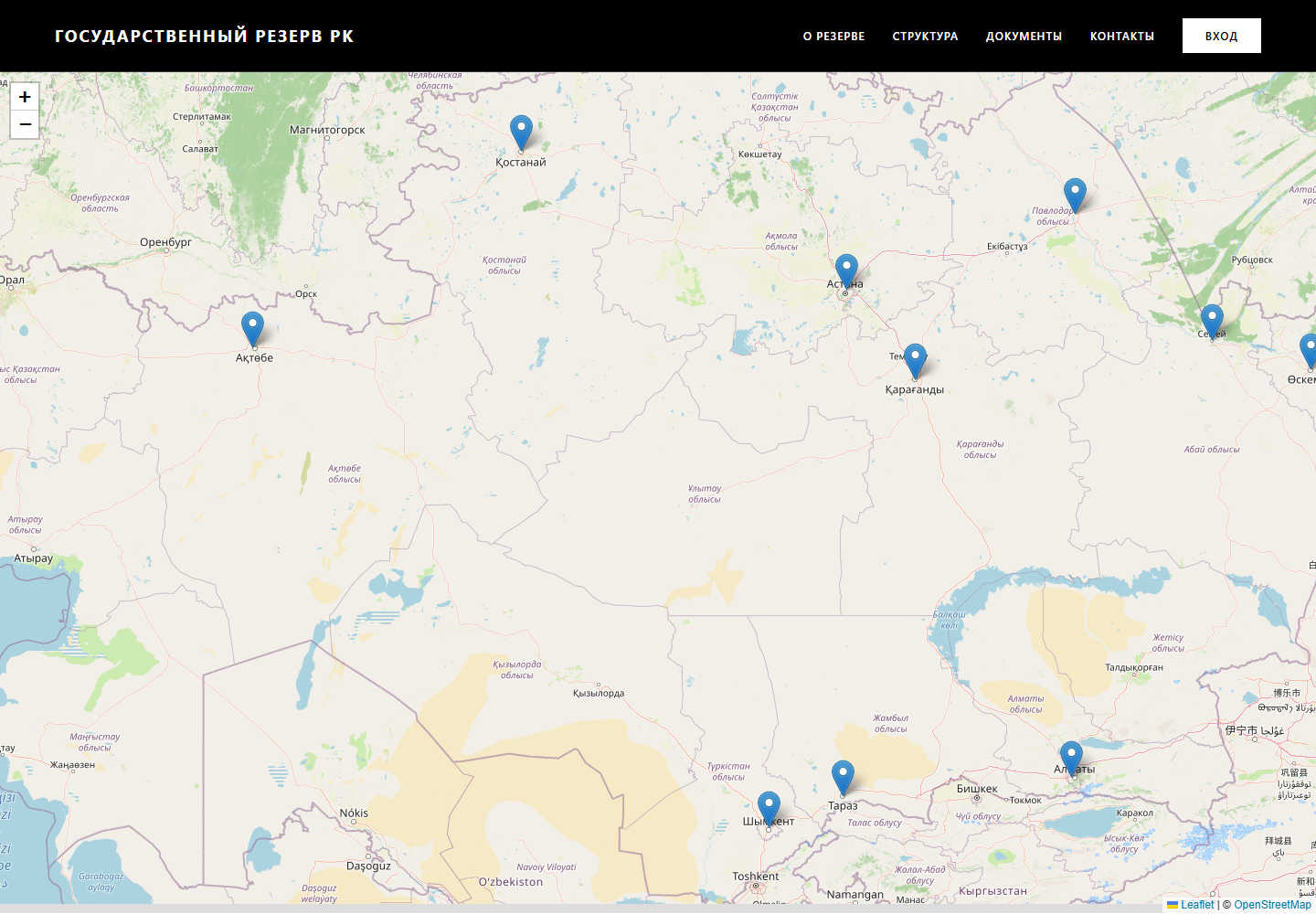
A distributed network needs both a strategic overview and precise data for every site. Before digitization, information about branches, staff, external services, resources and safety plans could be scattered across files and directories. We brought it into one interface, where the journey starts with the national map and ends with a specific incident response action.
Head office lacks a single up-to-date view of branches, resources and responsible personnel.
We created a unified facility record linked to its geographic location, personnel and resources.
The operator manually searches for the duty officer, emergency services, security and site plan.
We placed critical contacts in a persistent panel beside the facility safety map.
Calls and messages do not provide visibility into status, management decisions or outcomes.
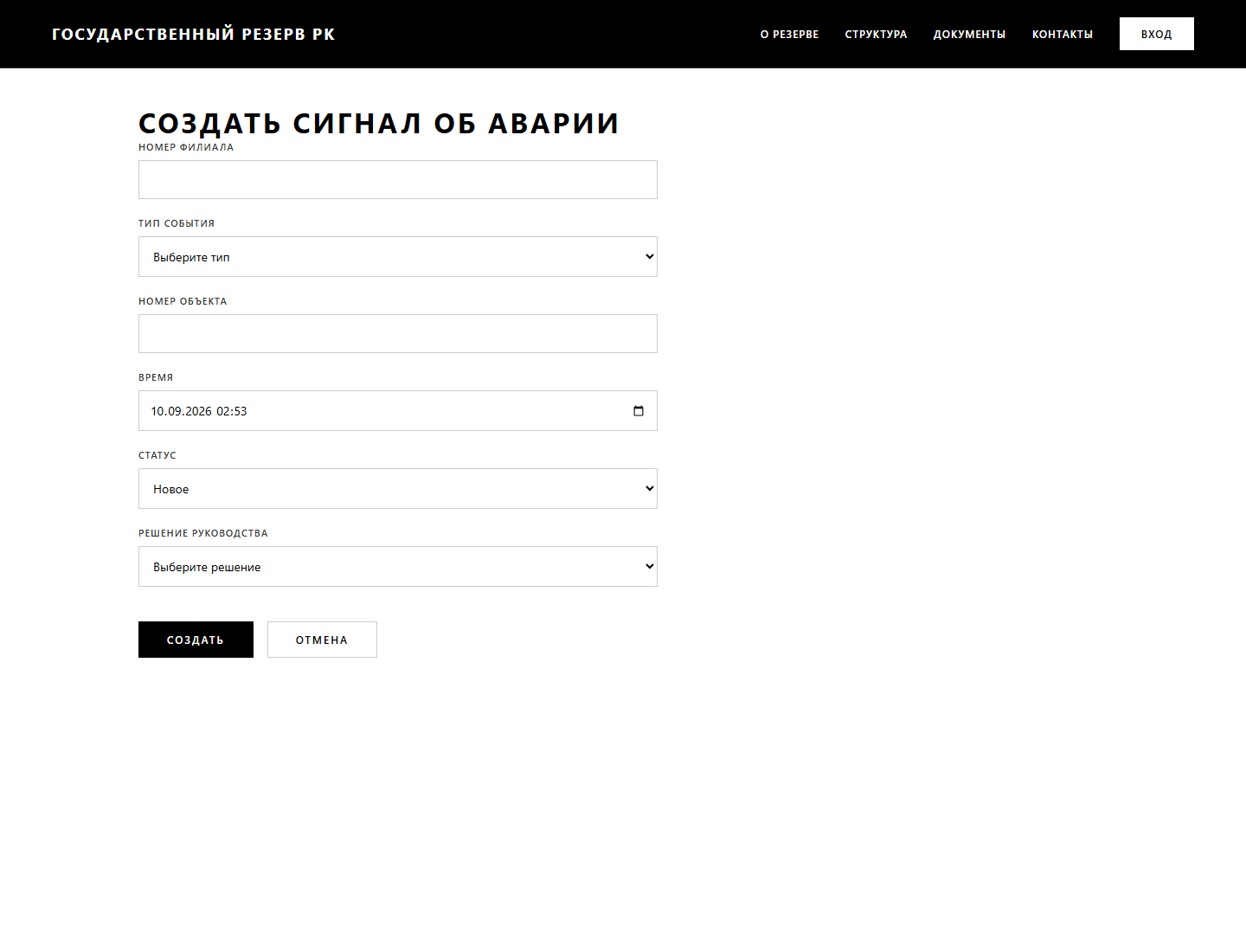
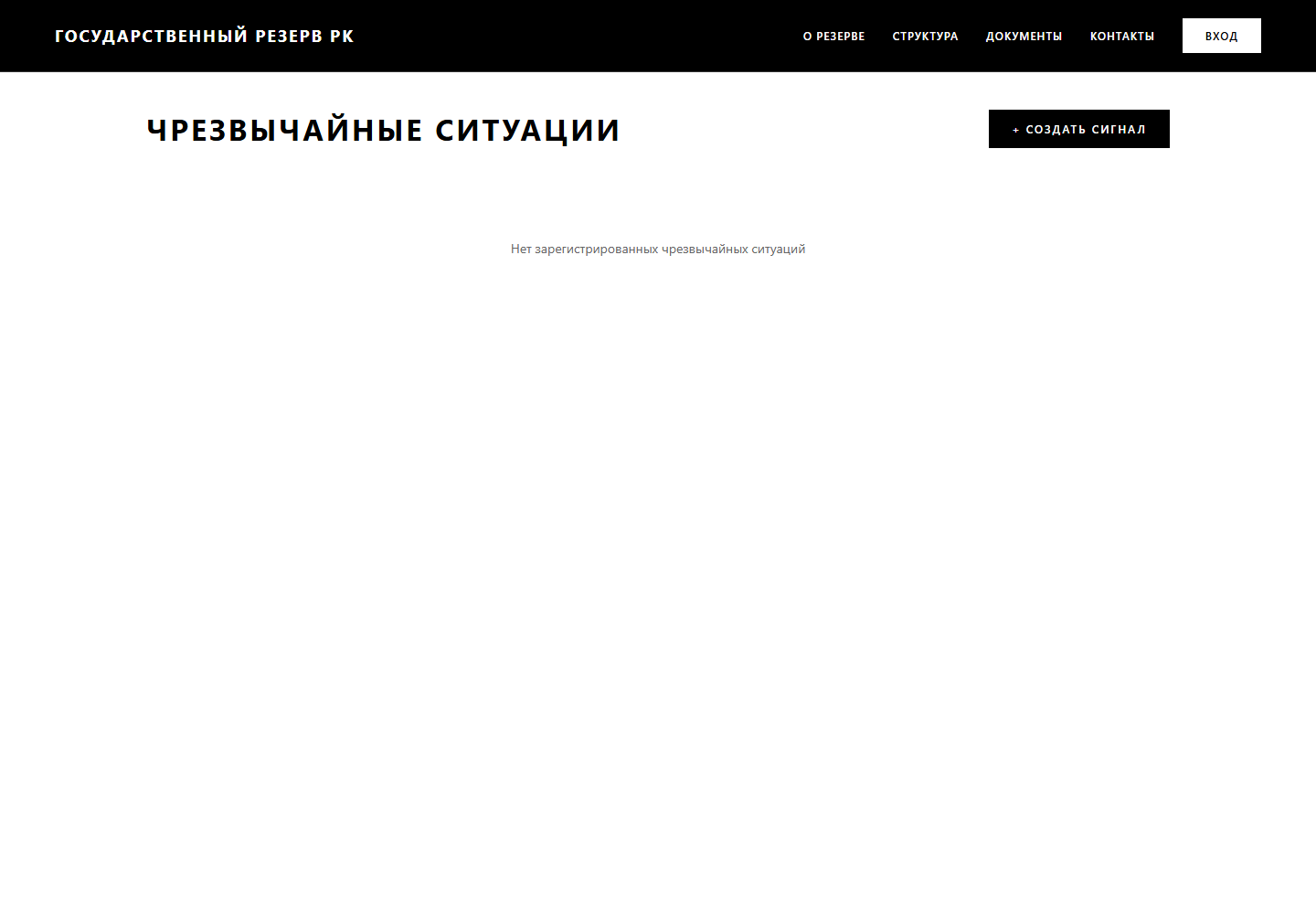
We designed an emergency register covering alert creation, classification, status, resolution and closure with a recorded outcome.
Every new branch increases the number of disconnected documents and manual updates.
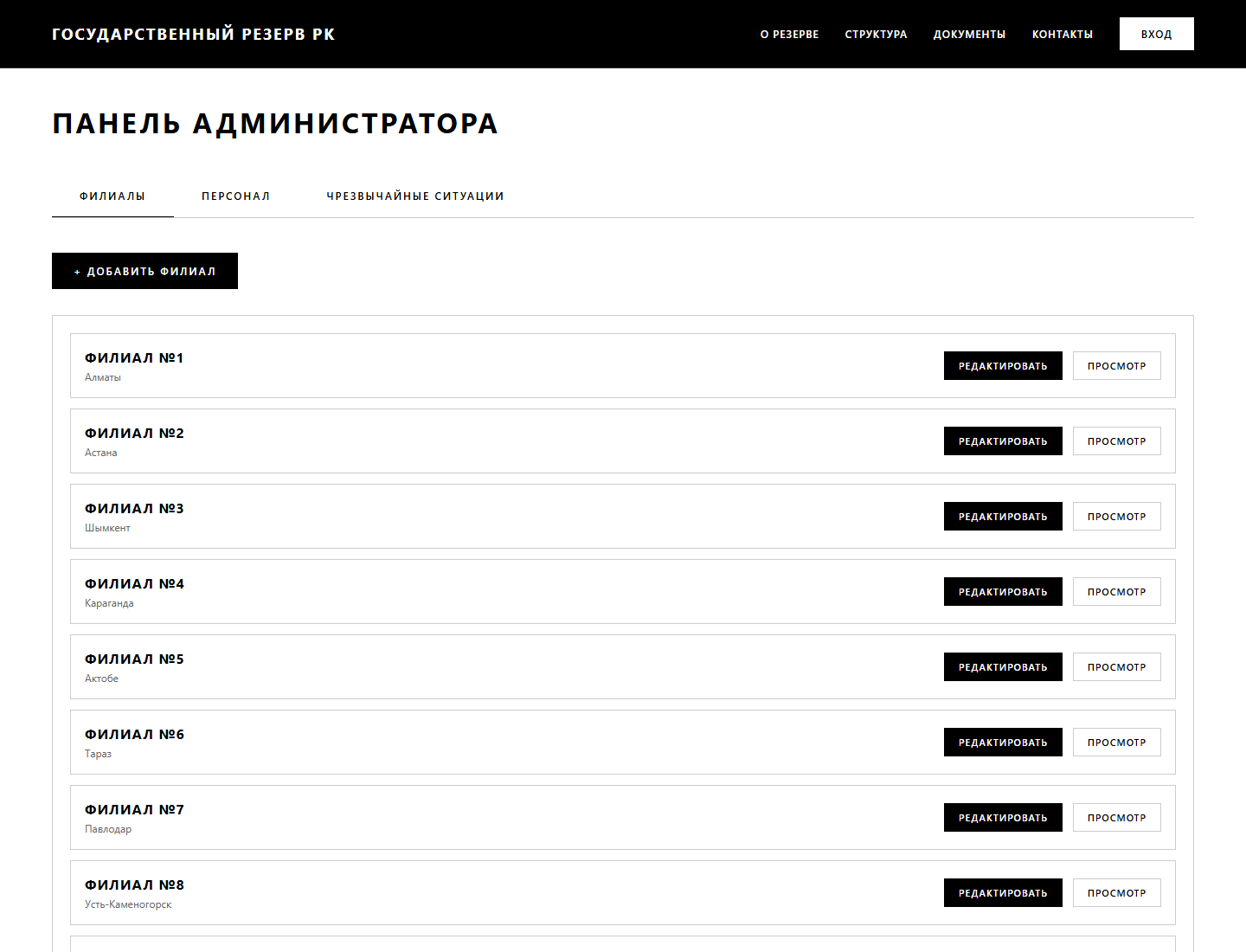
We separated branches, personnel and incidents into typed entities with a CRUD API and administration layer.
The architecture was verified using the supplied documentation, application structure and genuine product screens.
Management sees the entire network, dispatchers open the relevant branch, and employees find contacts, resources and spatial reference points on one screen. Perimeters, hydrants, evacuation points and hazardous zones overlay OpenStreetMap. The next step is to create an alert and record the management decision immediately.
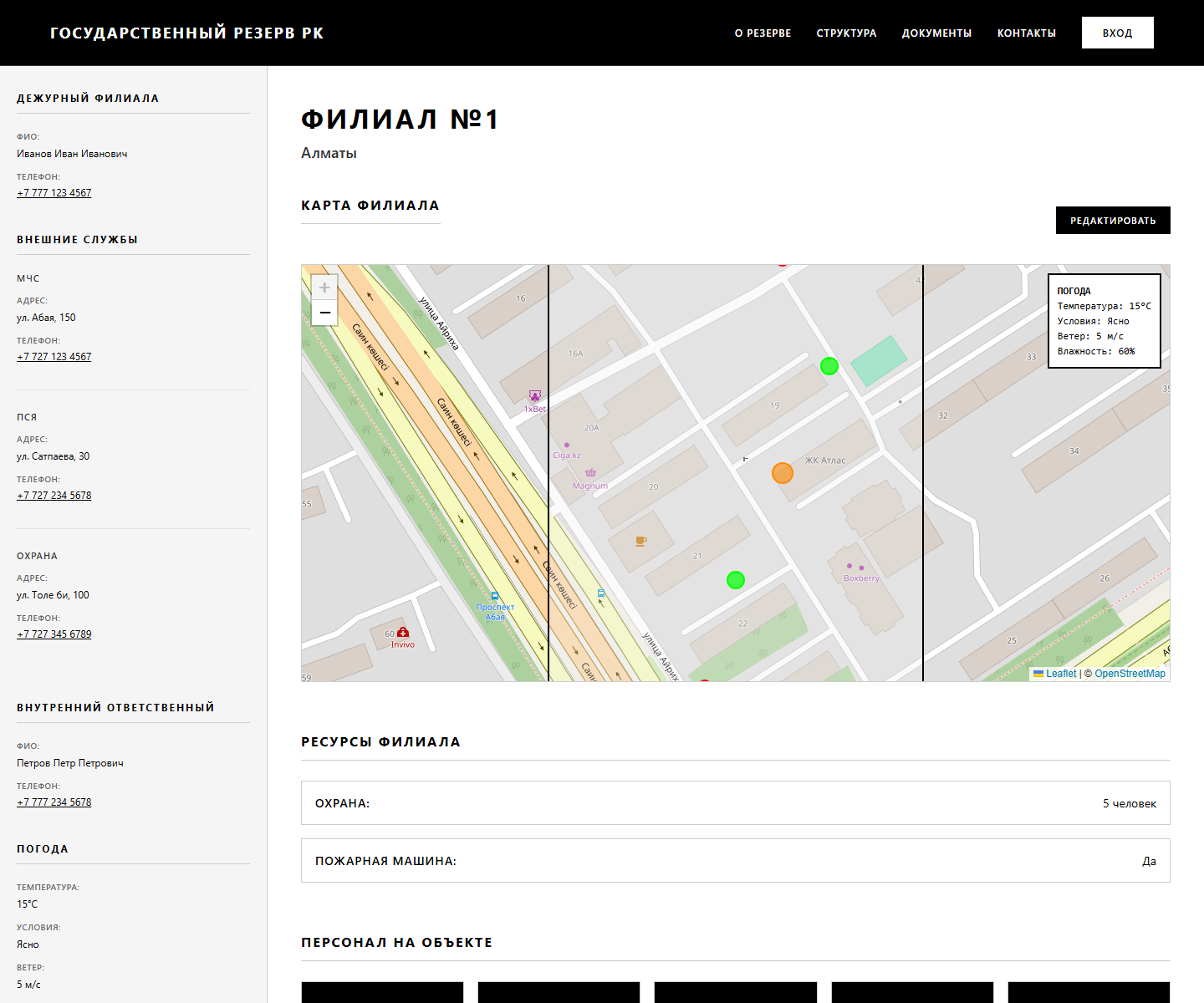
Coordinates, address, resources, contacts and site plan
Full name, position, role, phone, photograph and facility assignment
Type, description, status, decision, participants and outcome
Perimeter, hydrant, evacuation point or hazard zone
Administrator, branch representative and view-only access
Security, equipment and an extensible list of personnel and resources
From Countrywide View to a Specific Site
Security Perimeter and Points Overlaid on the Map
Create, Process, and Resolve an Alert
Different workflows for managers, branches and administrators
The interface and core workflows are implemented as a functional prototype. Before production launch, mock/localStorage persistence needs server-side storage, actual NextAuth/JWT authentication must be enabled, administrative routes protected, and a real weather API connected. Activity auditing, monitoring, backups and load testing must also be added.
This case study is based on the supplied documentation, production build and real prototype screens. We do not present the MVP as a deployed production system or attribute unverified KPIs to the project.
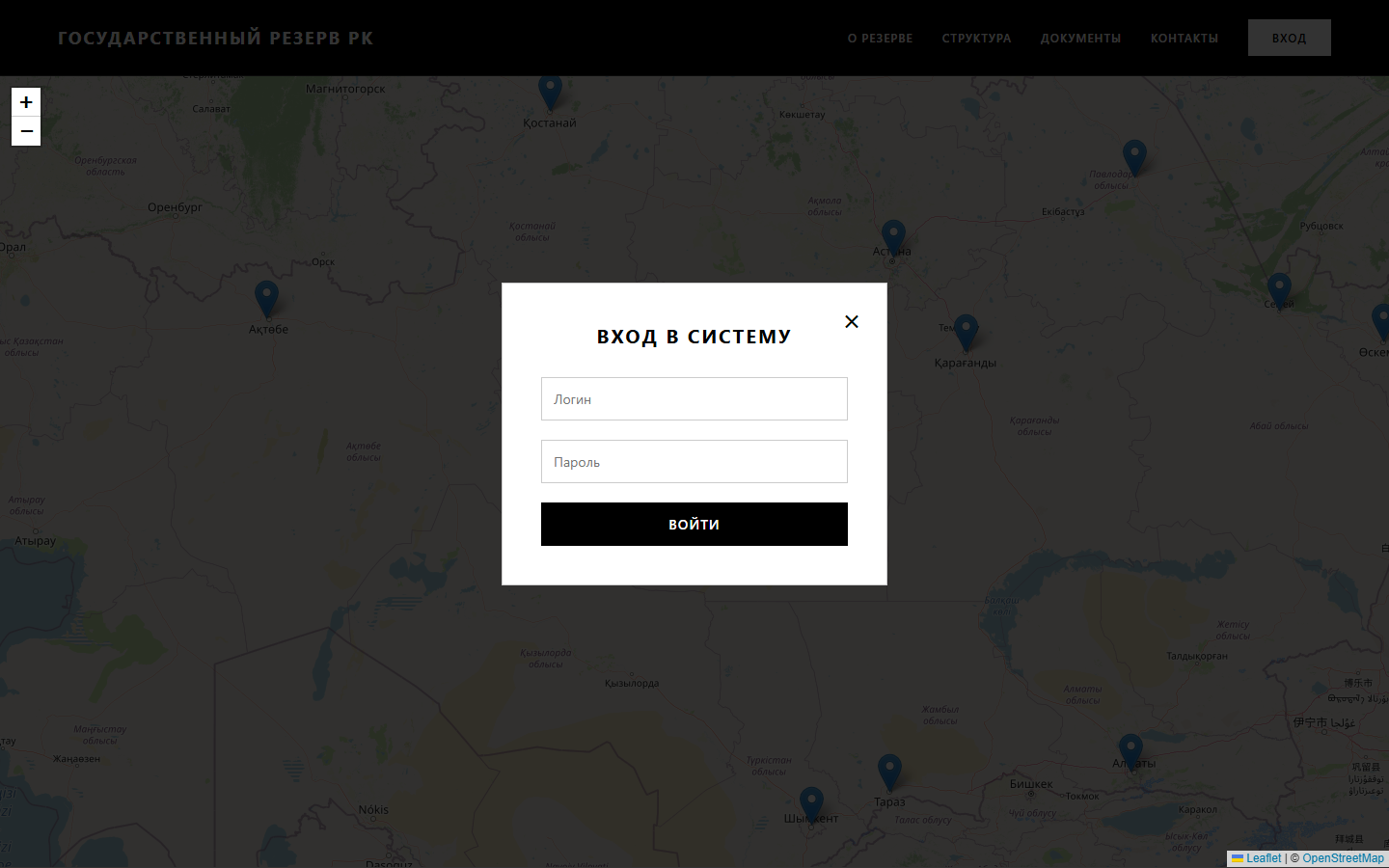
Authentication opens administrative workflows for branch and personnel management, map editing and emergency handling. The architecture is prepared for production; server-side role verification and secure session storage still need to be completed during implementation.
Next.js compiles 14 pages and routes with TypeScript validation.
Leaflet loads without SSR and does not access browser APIs on the server.
Five endpoint groups cover branches, personnel and emergencies.
MONGODB_URI, NEXTAUTH_SECRET and NEXTAUTH_URL are moved to the environment.
New locations are added as data rather than manually assembled pages.
The work required before production rollout is documented separately.
The solution's value lies in shortening the path from an initial alert to verified information and accountable action. Its quantitative impact should be measured during the pilot.
We will analyse the audiences, content, integrations and search demand, then design the structure and technical architecture before visual design begins.
Discuss the Project ↗Back to Case Studies